

If you have been publishing only on Spotify or Apple, your audience on YouTube is waiting without you. This guide shows you how to upload podcast on YouTube from India, step by step, using a playlist, an RSS feed or plain video uploads. Then we cover what the Made on YouTube 2026 announcements (23 September 2026) really mean for you, including which features have no confirmed India date. Pehle basics, phir news.
Key takeaways
- A YouTube podcast is a playlist of full-length episodes, and each episode is a video.
- The simplest route is uploading video episodes and using Set as podcast on the playlist.
- A YouTube podcast RSS feed import exists, but YouTube Help says it is available only in select countries. Check your own Studio in India first.
- RSS import turns each episode into a still image, so a filmed episode gives viewers much more to watch.
- Several Made on YouTube 2026 features, including the Podcast Lineup, have no firm India date yet.
New to all this? Record a few episodes first and come back here when they are ready to upload.
How to upload podcast on YouTube: which route should you pick?
You have three routes: create a new podcast from scratch in YouTube Studio, set an existing playlist of video episodes as a podcast, or submit your RSS feed. If you already record video, the playlist route is the simplest. If you only have audio on Spotify or Apple, you need an RSS import or a video version.
| Route | Best for | What viewers see |
|---|---|---|
| Playlist set as podcast | Creators who film their episodes | Your real video, with the Podcast badge |
| New podcast from Studio | Shows starting fresh on YouTube | Your real video, in a new podcast playlist |
| RSS feed import | Audio-only shows on Spotify or Apple | Your show art as one static image |
YouTube lists a few benefits of a proper podcast setup: inclusion in YouTube Music, a Podcast badge, a link from the Watch page and a possible place on youtube.com/podcasts. You can read the details on the YouTube podcasts page for creators.
How do I turn a playlist into a podcast on YouTube?
Upload each full episode as a normal video and keep them in one playlist, in listening order. Then open Content, go to Playlists, use the menu and choose Set as podcast. Add a square thumbnail and confirm. YouTube then treats that playlist as your show, with the Podcast badge and a chance to appear in YouTube Music.
- Verify your account if asked. YouTube may ask you to verify before you can create a podcast (YouTube Help).
- Upload your video episodes. At the Details step, add each one to your podcast playlist.
- Already uploaded? Go to the Content tab, select the videos and use Add to playlist.
- Convert the playlist. Content, then Playlists, open the menu and choose Set as podcast.
- Add a square thumbnail for the show and confirm.
One catch for Spotify-only podcasters: YouTube works with video files, so an MP3 on its own does not become a YouTube podcast. You need a video, even if it is a simple one.
Video podcast YouTube settings that matter
Keep the podcast playlist clean. YouTube says it should hold only full-length episodes, in listening order. Clips, reels and trailers belong in a separate playlist that you do not mark as a podcast.
- Export in 16:9, 1080p or 4K, with the audio mastered before you upload.
- Use a clear 16:9 thumbnail for each episode and a square one for the show.
- Write the title so a viewer understands the topic and the guest in one glance. For Hindi shows, a bilingual title (Hindi plus English) helps people who search in either language.
- Add chapters in the description so viewers can jump to the part they want.
If your raw recording needs cleaning before upload, we also offer editing at Oskillo Studio: a podcast edit of up to 90 minutes costs Rs 3,000, and the Complete Podcast Edit costs Rs 10,000.
How do I add a YouTube podcast RSS feed, and does it work in India?
In YouTube Studio, click Create, then New podcast, then Submit RSS feed. Accept the terms, paste your feed URL and click Send code. YouTube emails a code to the address in your feed. YouTube Help says RSS ingestion is available in select countries, so check that it appears in your India Studio first.
- Click Create, then New podcast, then Submit RSS feed.
- Accept the terms, paste the feed URL and click Send code.
- Open the email sent to the address listed in your feed and enter the code.
- Choose what to import: all episodes, episodes since a date, or future episodes only. If your feed carries sponsored episodes, a branded-content option is available.
- Wait for the upload. It can take a few days. Then press Publish under Video count in Content, then Podcasts.
The full steps are on the YouTube Help page for RSS feeds. You may also be asked for extra verification before advanced features switch on.
Here is our honest take on YouTube podcast setup in India. We cannot confirm which Indian accounts see the RSS option today, and the help page does not list countries. Open YouTube Studio, click Create and see whether Submit RSS feed is there. If it is not, do not wait. Start filming your next episodes and use the playlist route above.
Why is a static image weaker than a filmed episode?
Static-image episodes give viewers nothing to watch. RSS import makes each video from your show art as one still image, as TechCrunch reported. We found no India-specific numbers comparing still-image and filmed episodes, so this is our reasoning from the studio floor, not a statistic.
Think about how people watch. YouTube said living-room viewing of podcasts passed 400 million hours a month in 2024 (Variety). A viewer on a TV or phone screen expects faces, reactions and movement. A single image for 60 minutes gives them no reason to stay once they want to look at something.
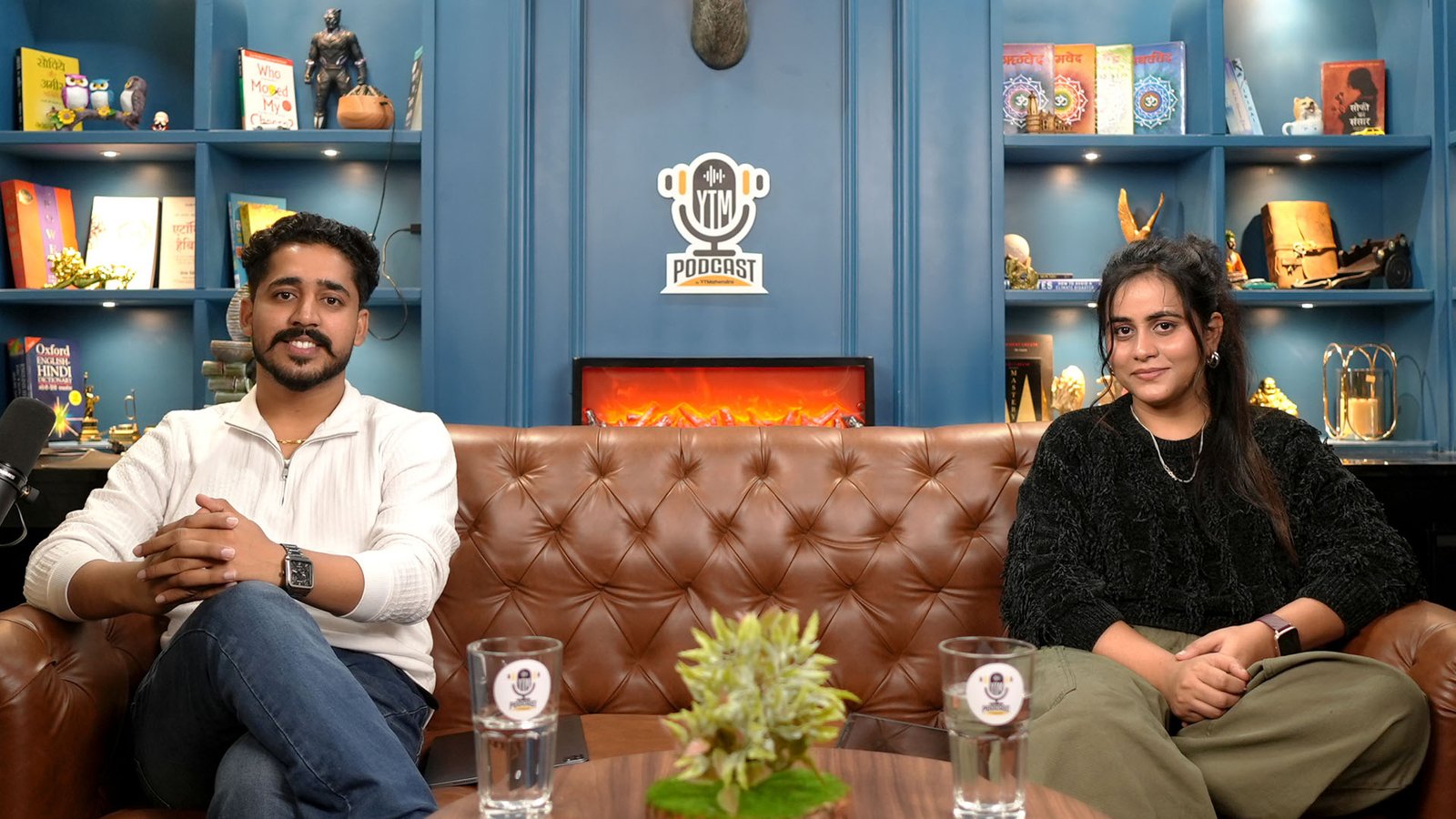
- Faces build trust. Guests and hosts feel real when you can see them, which matters a lot for a business or a personal brand.
- Clips need footage. Reels, Shorts and highlight cuts all come from video. A static episode gives you nothing to cut.
- Thumbnails and titles work harder when the video behind them is worth clicking into.
So RSS import is a useful bridge for your back catalogue, but it should not be your plan for new episodes. Next, we look at what YouTube announced on 23 September 2026 and which of it you can actually use.
What did Made on YouTube 2026 change for podcasters in India?
YouTube announced several podcast and creator tools on 23 September 2026, but most have no confirmed India date. Treat them as “coming” rather than “available”. Plan your shoots around what you can use today, and check Studio before you rely on any new feature.
| Announcement | What it does | India status |
|---|---|---|
| Podcast Lineup | A personalised weekly spoken preview of recommended shows in YouTube Music | For Music and Premium subscribers, “coming soon” worldwide with no firm date |
| Ask Studio feedback | Comments on titles, structure, scripts and pacing for unpublished videos | No rollout date or regional availability confirmed |
| Video A/B testing | Test up to three cuts or thumbnails per video | Listed as “Coming soon” |
| Custom Feeds | A feed feature announced at the event | Nothing announced for India |
The details sit in YouTube’s own Made on YouTube Music announcement. For the “no date yet” part, see MediaNama’s roundup, which notes that several announcements lacked rollout dates or regional availability. SocialNation says nothing was announced for India on Custom Feeds.
What should you do with this? Ask Studio is meant to give feedback on pacing and structure, so tightly edited episodes are a good habit to build now. Podcast Lineup recommends shows, so clear episode titles and a clean podcast playlist cannot hurt. Neither needs anything from you today except good habits.
What about the Amazon shopping and affiliate expansion?
YouTube said Amazon product tagging, already live in the US, would reach India “in the coming weeks”. New Indian merchants include Amazon, Meesho, AJIO, Tata CLiQ and Snapdeal. Check your own Studio before you plan a sponsored or affiliate episode around it.
Flipkart, Myntra, Shopsy, Nykaa, Purplle and Tira were already part of the programme, according to Digital Terminal. The announcement itself is on the YouTube blog.
On eligibility, reports differ. Deccan Herald says creators with as few as 500 followers can now earn, while the 2024 launch needed 10,000 subscribers. We will not quote a threshold. Open YouTube Studio and read the current requirement for your channel.
One practical point: product tagging works best when the product is visible on screen. That is another reason to film. A reviewer holding a gadget on camera gives viewers something to tag and buy. An audio-only episode gives them nothing.
How do we record video-ready podcasts at Oskillo Studio?
At Oskillo Studio in Vaishali Nagar, Jaipur, our Advance packs record your podcast as a multicam 4K video with clean, mastered audio, so the same session works for the YouTube playlist route, clips and your audio feed. The Economy Advance pack costs Rs 4,000 per hour and Business Class Advance costs Rs 8,000 per hour.
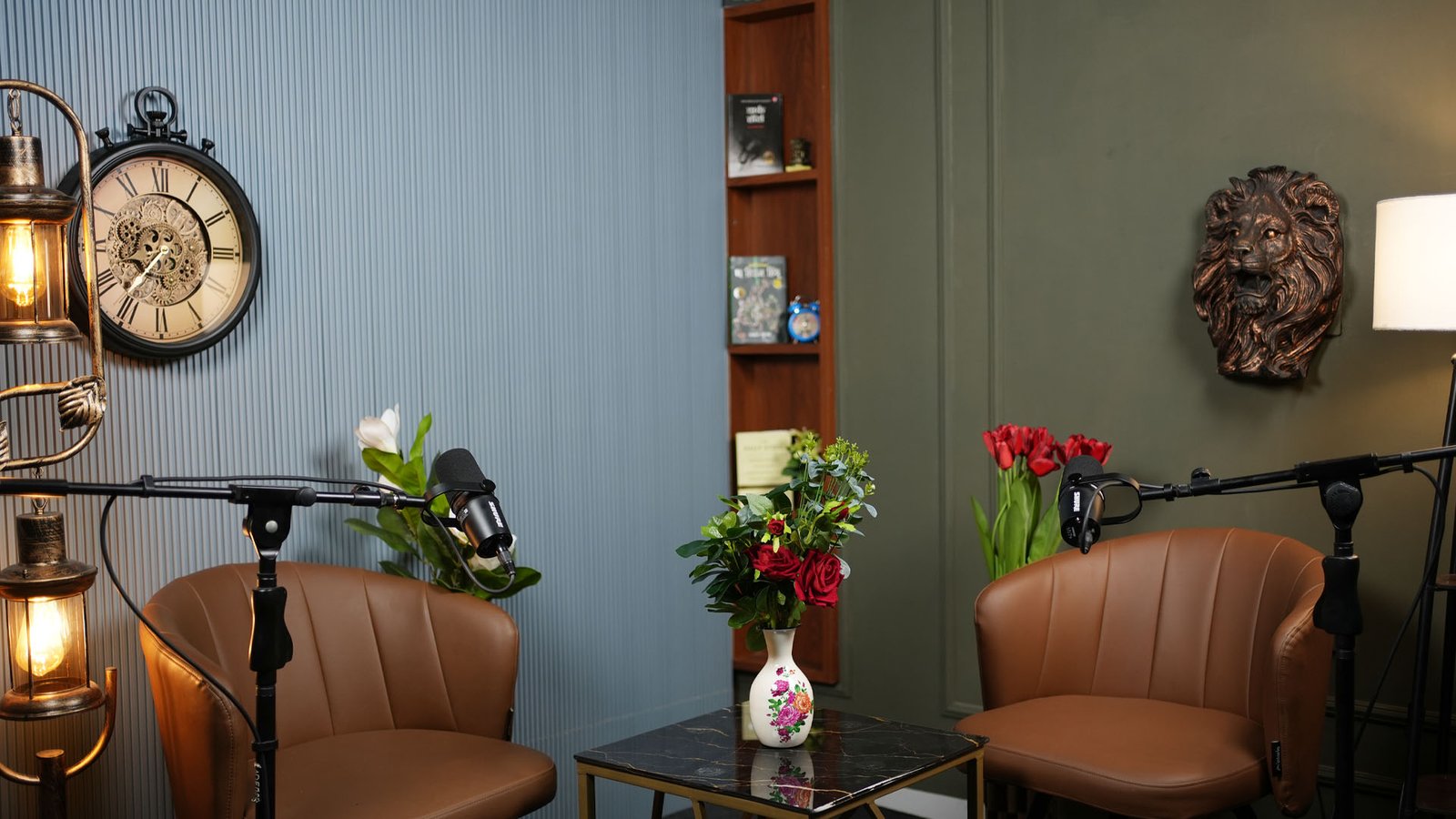
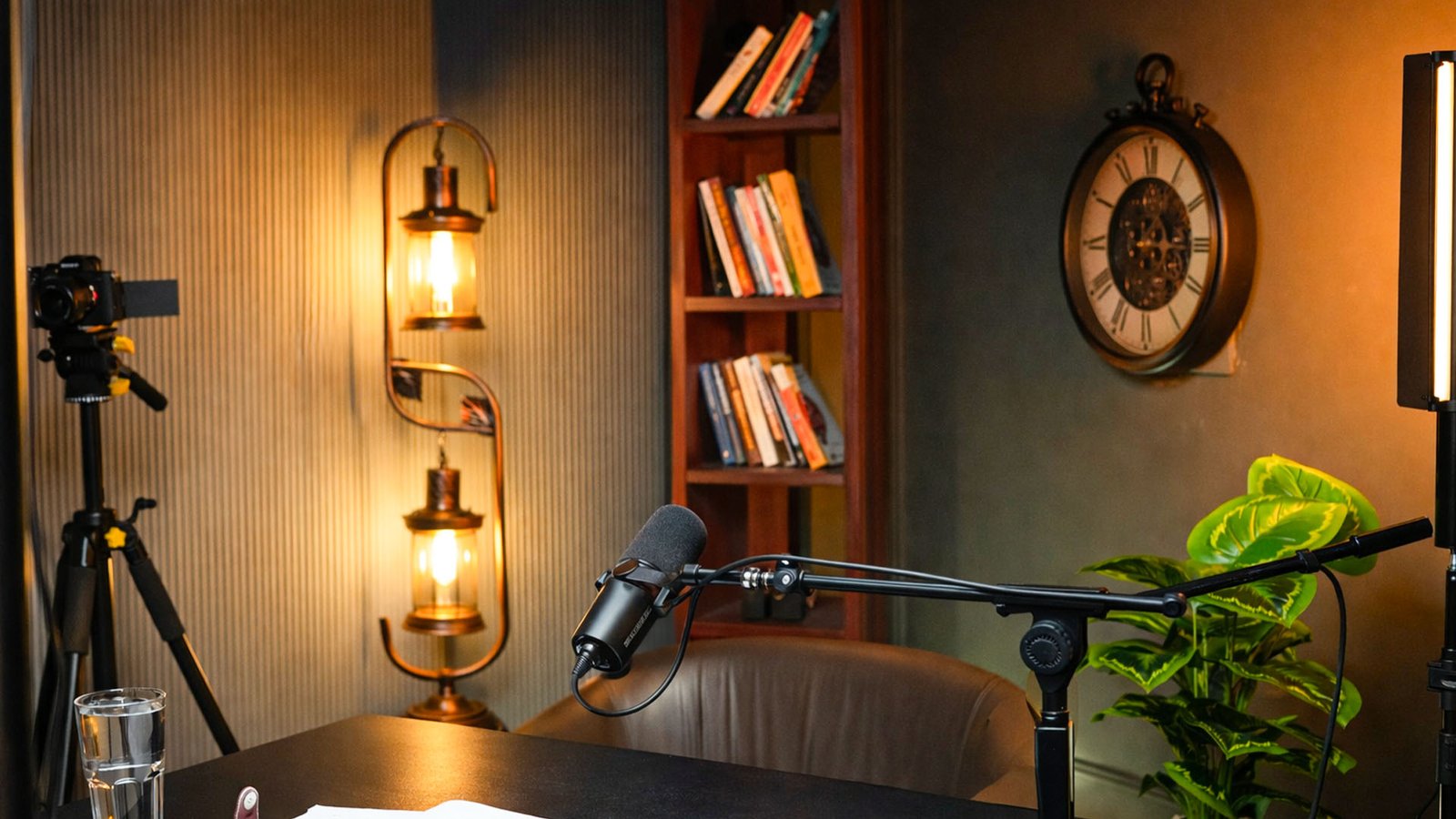
Our Advance packs include two Sony 4K cameras, Shure microphones, a pro audio recorder, lights and an on-site technician. On the show we shoot with the Sony A7 IV and Sony A7C. Business Class audio runs through a Shure SM7B and a RODECaster Pro II. You can see all rates on our podcast studio pricing page.
This is the shoot-day workflow we follow with every client:
- Plan the episode. We agree the topic and question flow before you arrive.
- Pick the set. Choose from seven themed sets, such as the Blue Theme, classic wooden library or grey vintage set.
- Check gear. We test mics, lights and camera angles before recording starts.
- Record with live monitoring. The founders are present to guide you, and beginners are welcome.
- Finish in post. Edit, colour, audio mastering, thumbnails, captions, reels and platform exports.
If you live outside Jaipur, we also edit remotely. You can rent the space with or without editing through our studio rental service.
Is a video-ready recording the safest way to prepare?
Yes. A filmed episode with clean audio works with every route in this guide: the playlist podcast, a new Studio podcast, RSS-based audio feeds and short clips. Whichever Made on YouTube feature reaches India first, you will already have the footage and structure it needs.
Features with no India date can change or arrive late. Good footage does not expire. A well-lit, well-recorded episode can go into a podcast playlist today, be cut into reels this week, and be tested with new tools whenever they reach your Studio.
So our advice is simple. Check whether Submit RSS feed shows in your Studio, use it only for your back catalogue, and film everything new. Keep full episodes in the podcast playlist, keep clips in a separate one, and revisit the new features once YouTube confirms them for India.
Some product links on this page are Amazon affiliate links. As an Amazon Associate, YTMahendra Podcast earns from qualifying purchases, at no extra cost to you.
Frequently asked questions
How do I upload a podcast to YouTube?
Upload your full video episodes to YouTube, add them to one playlist in listening order, then open Content, Playlists, and choose Set as podcast. You can also start from Create, then New podcast in YouTube Studio. Add a square thumbnail and confirm. YouTube may ask you to verify your account first.
Can I upload an MP3 podcast to YouTube?
Not directly. YouTube builds podcasts from videos in a playlist, so an MP3 alone will not work. You can turn audio into a video file, or import your RSS feed if the option is available in your account, but both give you a still image rather than a filmed episode.
Is YouTube RSS ingestion available in India?
YouTube Help says RSS ingestion is available in select countries and regions, without listing them. We cannot confirm it for every Indian account. Open YouTube Studio, click Create, and see whether Submit RSS feed appears under New podcast. If it does not, use the video playlist route.
YouTube par podcast kaise upload karein?
Apne full episodes video ke roop mein upload karo aur ek playlist mein listening order mein rakho. Phir Content, Playlists mein jaakar Set as podcast chuno, square thumbnail lagao aur confirm karo. Clips aur reels ko alag playlist mein rakho, podcast playlist mein nahi.
Do I need a video to start a podcast on YouTube?
Yes, for the standard route. A YouTube podcast is a playlist of video episodes. RSS import can create still-image videos from your audio, but filmed episodes give viewers faces, reactions and footage for clips, which is why we recommend recording video from the start.
What is YouTube Podcast Lineup?
Podcast Lineup is a personalised audio guide announced for YouTube Music at Made on YouTube on 23 September 2026. It gives a weekly spoken preview of recommended shows, then jumps to episodes. It is for YouTube Music and Premium subscribers, and the worldwide launch is described as coming soon with no firm date.
Should I upload full episodes or clips?
Do both, but keep them apart. Put only full-length episodes in your podcast playlist, in listening order. Keep clips, reels and trailers in a separate playlist that you do not set as a podcast. Clips bring new viewers, and full episodes keep them watching.
Book your session at Oskillo Studio
Soundproof sets, 2 Sony 4K cameras, Shure mics and an on-site technician in Vaishali Nagar, Jaipur. Studio rent starts at Rs 2,000 per hour.
WhatsApp +91 96101 80066 | See all prices | 3rd Floor, VR Theme Park, Gandhi Path, Vaishali Nagar, Jaipur