

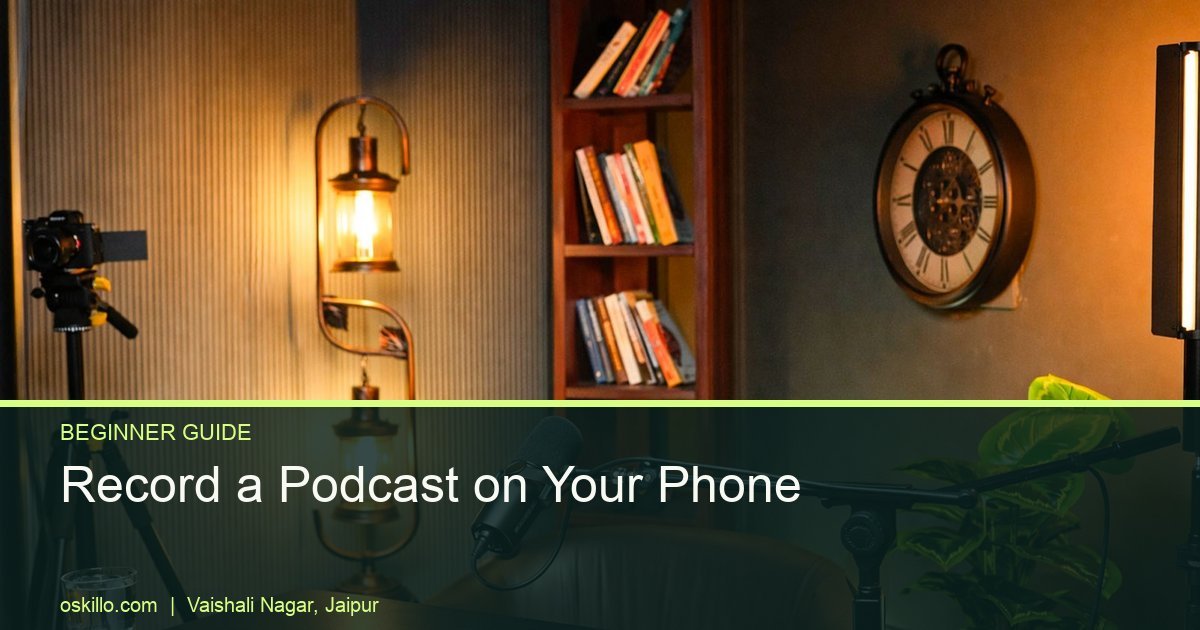
If you are wondering how to record a podcast on mobile phone, here is the good news: you already own the most expensive part. A modern phone records decent audio. What decides whether your episode sounds amateur or clean is the room, the mic distance and a few settings you can fix in five minutes.
We run Oskillo Studio in Vaishali Nagar, Jaipur, and we think a phone is a sensible way to begin. You learn your voice, your topic and your format before you spend serious money. This guide covers podcast recording on phone in India from the room to the final file.
Key takeaways
- Your phone is enough to start. The room and the mic matter more than the phone model.
- A clip-on mic costs about Rs 800, and a full USB mic kit about Rs 3,800, so a complete setup stays well under Rs 10,000.
- Check your phone’s connector (USB-C, Lightning or no headphone jack) before you buy any mic.
- Always wear headphones, always do a test recording, and always keep a backup.
- Move to a studio when you have two or more guests, a brand shoot, or need multi-camera video and controlled lighting.
How do you record a podcast on mobile phone? The 7-step version
To record a podcast on a mobile phone, find a quiet room, connect a mic, silence notifications, test your levels, put on headphones and then record in one clean take. Do these seven things in order and your first episode will already sound better than most first attempts.
- Pick the quietest room you have. Switch off the fan and AC for the recording. Soft furnishings such as a bed, curtains and a sofa reduce echo.
- Connect your mic. A clip-on or USB mic placed close to your mouth beats the phone’s built-in mic every time.
- Silence the phone. Turn on airplane mode or Do Not Disturb so a call or WhatsApp ping does not ruin a good take.
- Free up storage and charge the phone. A long recording, especially video, fills memory fast and heats the phone.
- Record a 30-second test. Play it back on headphones and listen for hum, echo and distortion.
- Speak at a steady distance. Keep the mic roughly a hand-span from your mouth and avoid turning your head away.
- Back up straight after recording. Copy the file to your laptop or cloud before you do anything else.
Have questions about booking, formats or what a studio session involves? Our FAQs page answers the common ones.
What is a good podcast setup under 10000 in India?
A solid podcast setup under 10000 in India is a phone you already own, a mic between Rs 800 and Rs 3,800, a pair of closed-back headphones and a tripod or stand. Most beginners can finish well under the Rs 10,000 mark and still sound clear.
Here is how the budget breaks down, using prices reported by Indian gear roundups. Treat them as approximate, because market prices move.
| Item | Example | Approx. cost |
|---|---|---|
| Phone | The one you own | Rs 0 |
| Budget clip-on mic | Boya BY-M1 lavalier | About Rs 800 |
| USB mic kit with boom arm, pop filter, shock mount | Maono AU-A04 | About Rs 3,800 |
| Desk mic with built-in stand | Fifine K669B / K683A | About Rs 2,500 to Rs 3,500 |
| Entry headphones | OneOdio Studio Pro 10 | About Rs 1,500 to Rs 2,000 |
| Studio headphones | AKG K72 | About Rs 2,999 |
The Boya lavalier is suggested for very tight budgets, and the Maono kit and Fifine mics sit around the Rs 2,500 to Rs 3,800 range, according to Scoopearth’s beginner setup guide. Headphone prices are approximate market figures, so check current listings before you buy.
One honest warning: a Rs 800 mic is a budget option, not a studio one. It will sound far better than a built-in phone mic, but it will not match a professional broadcast mic. Also, beginners often spend everything on the mic and nothing on headphones, as The Playmix points out. Keep some budget for headphones, because you cannot fix what you cannot hear.
What is the best mic for mobile podcast recording?
The best mic for mobile podcast recording is the one that plugs into your phone without extra hassle and sits close to your mouth. For most beginners that means a clip-on lavalier for solo or interview recording, or a USB mic if your phone supports it.
Check your phone’s connector first
This is where many people waste money. Newer phones often have no headphone jack, so a 3.5 mm lavalier needs the right adapter. Android phones with USB-C need a USB-C adapter, and iPhones with Lightning need a Lightning adapter. Some Android phones expect a TRRS wiring standard, so check that the adapter and mic are compatible before you pay. A mic that does not fit your phone is useless, however good the reviews are.
Clip-on, USB or XLR?
- Clip-on lavalier: cheap, portable and easy. The Boya BY-M1 comes with a 6 m cable and works with phones, laptops and DSLRs in battery mode, according to Purshology’s mic roundup.
- USB mic: better sound and a cardioid pattern that rejects side and rear noise, as on the Maono AU-A04. Confirm your phone can power and read it.
- XLR dynamic mic: a safe beginner pick at around Rs 4,000 to Rs 5,000, but it needs an audio interface and will not plug straight into a phone. If you grow into this, a mic like the Shure MV7X XLR mic is a good step up later.
Which free podcast recording app should you use?
The best free podcast recording app is the one already on your phone. Voice Memos on iPhone and the recorder on most Android phones work well for audio-only episodes. Dolby On, Podbean and Riverside add extras such as video and remote guests, so pick one and stay with it.
Here is how the common options compare, based on what each source says about them:
| App | Best for | What to know |
|---|---|---|
| Voice Memos (iPhone) | Simple solo audio | Free, pre-installed and records in solid quality, per Resound |
| Dolby On | Audio or video on Android and iPhone | Free mobile app, per the same Resound guide |
| Podbean app | Record and publish in one place | Podbean says you can record, live stream and publish for free |
| Riverside | Video and remote interviews | Has a free plan plus Android, iOS and browser versions, per Hello Audio |
Free plans change, so check the current limits before you commit. For Spotify, record in any app you like, then upload your finished file to a podcast host, which sends the show to Spotify and other platforms.
Which phone settings and room choices give the cleanest sound?
The cleanest phone recording comes from airplane mode, enough free storage, a stable phone temperature and a room without fan, AC or traffic noise. Fix the room first, then the settings. Many “bad mic” problems are really room problems.
Phone settings to check
- Turn on airplane mode, then switch Wi-Fi back on only if your app needs it.
- Keep at least a few GB free. Video fills memory quickly.
- Do not charge and record under direct sun. Heat can stop a long recording.
- Lock the screen orientation so the phone does not rotate mid-take.
- Switch off beauty filters and any noise effects while recording.
Room choices for Indian homes
Tiled flats echo a lot. Record on a bed with a blanket over your head and the phone, or sit near curtains and a sofa. Stop the ceiling fan and AC for the take, even if it gets warm. Street traffic is harder to beat, so pick your quietest hour, often early morning or late evening, and close the windows. A quick hand clap will tell you how much echo the room has.
How do you record a video podcast with a smartphone?
To record a video podcast with a smartphone, mount the phone at eye level on a tripod, face a window for soft light and record audio on a separate mic. Use landscape for YouTube and portrait if your main goal is Reels or Shorts.
- Frame at eye level. Leave a little space above your head and keep the lens clean.
- Light your face, not your back. Sit facing a window or lamp. Never sit with the window behind you.
- Use a second phone as a camera. One phone records your audio, the other records the picture or a second angle.
- Clap once at the start. The spike helps you sync audio and video during editing.
- Cut vertical clips afterwards. Short clips travel further than full episodes.

Clips matter. Market research suggests younger audiences prefer 5 to 15 minute episodes, and about 40% of Gen Z listeners like brief content. Bloomberg has also reported that a billion people watch podcasts on YouTube every month, as noted on Wikipedia.
When should you move from phone to a studio?
Move to a studio when you have two or more guests, a client or brand shoot, a need for multi-camera video, or lighting and sound you cannot control at home. Until then, a phone is a fine place to practise.
| Situation | Phone is enough | Studio is better |
|---|---|---|
| Solo audio episode | Yes | Optional |
| Two or more guests | Hard to manage | Yes |
| Brand or client video | Risky | Yes |
| Multi-camera 4K | Limited | Yes |
| Noisy home or no quiet hour | Struggles | Yes |
At Oskillo: your first polished episode in Jaipur
Oskillo Studio in Vaishali Nagar, Jaipur, lets you step up from your phone to a soundproof, acoustically treated room, and we guide beginners through the whole session. We are open every day from 10 AM to 8 PM, and we recommend booking in advance.
Our Economy Class Basic slot costs Rs 2,000 per hour for space and basic lights. Economy Class Advance costs Rs 4,000 per hour and includes 2 Sony 4K cameras, a Shure mic, a pro audio recorder, lights and a technician. Business Class Advance is Rs 8,000 per hour. You can see every option on our podcast studio pricing page or read about studio rental in Jaipur.
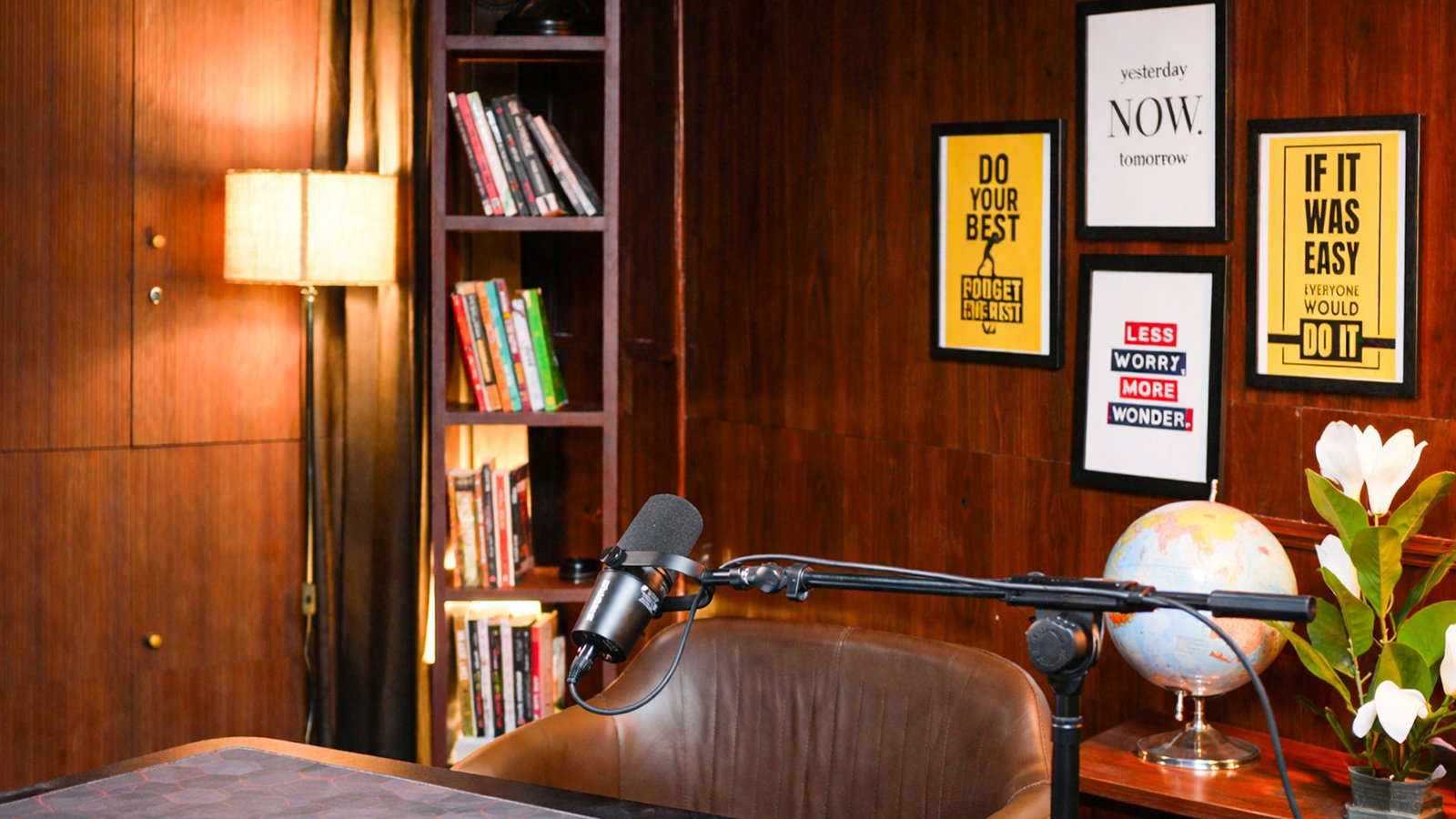
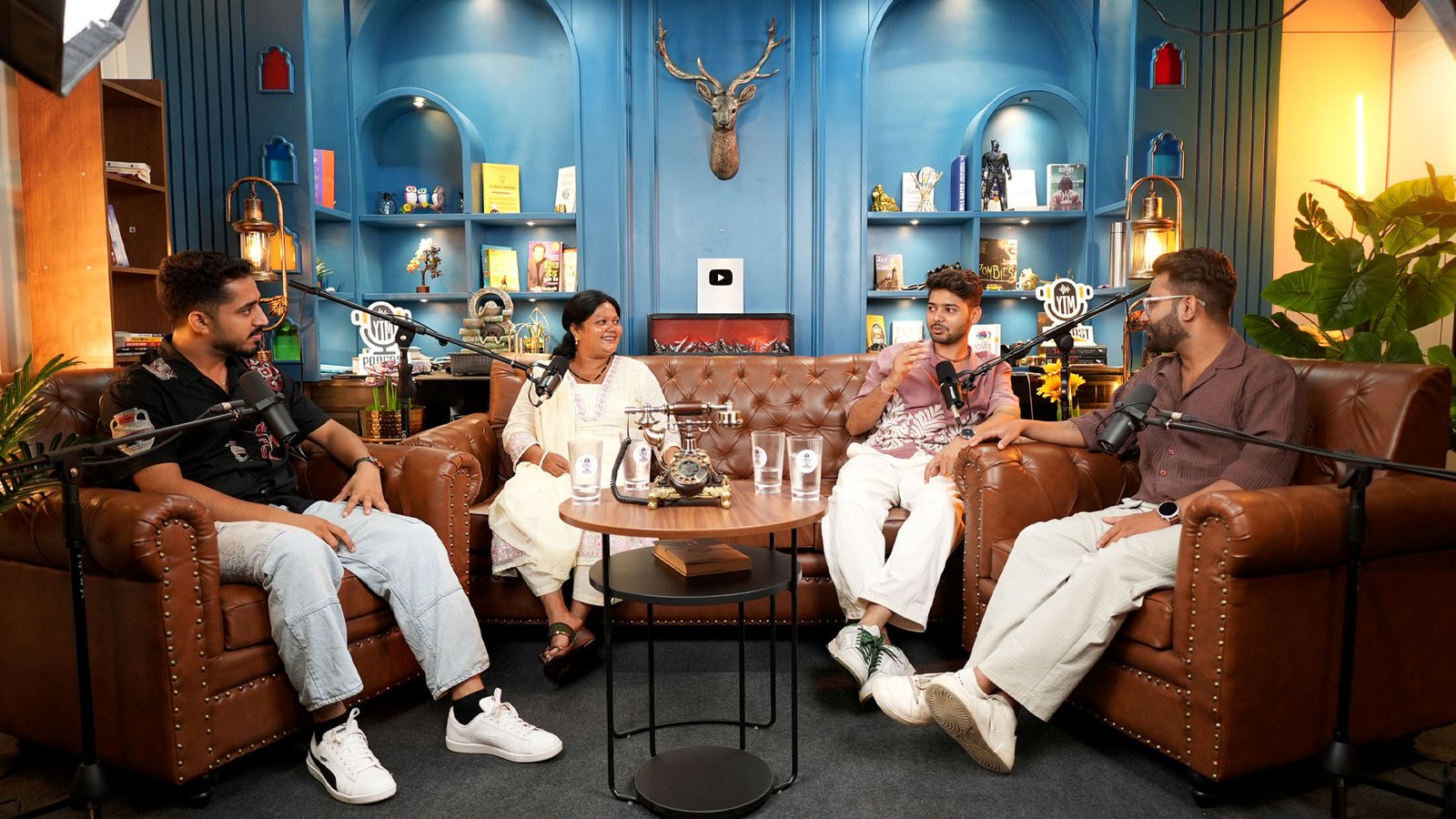
You can choose from themed sets, such as the Blue Theme, the classic wooden library and the grey vintage set. Our founders are present at every shoot, and we can edit your episode too, if you want, including reels and thumbnails. We have delivered 100+ productions.
Ready to try it? Message us on WhatsApp or use our contact page to book a slot.
Some product links on this page are Amazon affiliate links. As an Amazon Associate, YTMahendra Podcast earns from qualifying purchases, at no extra cost to you.
Frequently asked questions
Can I record a podcast on my phone for free?
Yes. Your phone already has a free recorder, and Voice Memos comes pre-installed on iPhones. Dolby On is a free app for Android and iPhone that records audio and video. A free app plus a quiet room is enough for episode one. A cheap mic is the first upgrade worth buying.
What is the best mic for recording a podcast on a mobile phone?
For most beginners, a clip-on lavalier is the easiest choice, with the Boya BY-M1 at around Rs 800 as a budget option. A USB mic kit around Rs 3,800 sounds fuller. Whatever you choose, check that it matches your phone’s USB-C or Lightning connector first.
Do I need a mic, or is the phone’s built-in mic enough?
The built-in mic can work for a first test, but it picks up room echo and background noise because it sits far from your mouth. A clip-on or USB mic placed close to you gives clearer voice for a few hundred rupees more, which is the best first upgrade.
How much does it cost to start a podcast in India?
You can begin for almost nothing with your phone and a free app. A realistic beginner setup, with a mic between Rs 800 and Rs 3,800 plus headphones around Rs 1,500 to Rs 3,000, stays under Rs 10,000. Editing, hosting and studio time are extra if you choose them.
Should I record video podcasts in landscape or portrait?
Record in landscape if you want a full YouTube episode, and lock the screen rotation so the phone does not flip. You can cut vertical clips for Reels and Shorts later during editing. Recording in portrait limits you to vertical formats only.
How do I record a podcast with two people on one phone?
Place the phone or one mic between you at equal distance and keep the room very quiet. It works for a casual chat, but one voice is often louder than the other. Two clip-on mics, or a studio with separate mics, gives a cleaner result.
Can I record a podcast on a phone and upload it to Spotify?
Yes. Record and edit the file, then upload it to a podcast hosting platform, which creates an RSS feed that you submit to Spotify. The phone only records the audio. Our guide to starting a podcast in India explains the upload steps in order.
Mobile se podcast kaise record karein?
Shant kamra chuniye, phone mein Do Not Disturb on kijiye, ek clip-on ya USB mic lagaiye aur headphones pehen kar test recording suniye. Phir mic ko muh ke paas rakh kar record kijiye aur file turant backup kar lijiye. Video chahiye to phone landscape mein lock kijiye.
Book your session at Oskillo Studio
Soundproof sets, 2 Sony 4K cameras, Shure mics and an on-site technician in Vaishali Nagar, Jaipur. Studio rent starts at Rs 2,000 per hour.
WhatsApp +91 96101 80066 | See all prices | 3rd Floor, VR Theme Park, Gandhi Path, Vaishali Nagar, Jaipur